01. SOCIAL MEDIA LAUNCH
The Social Science
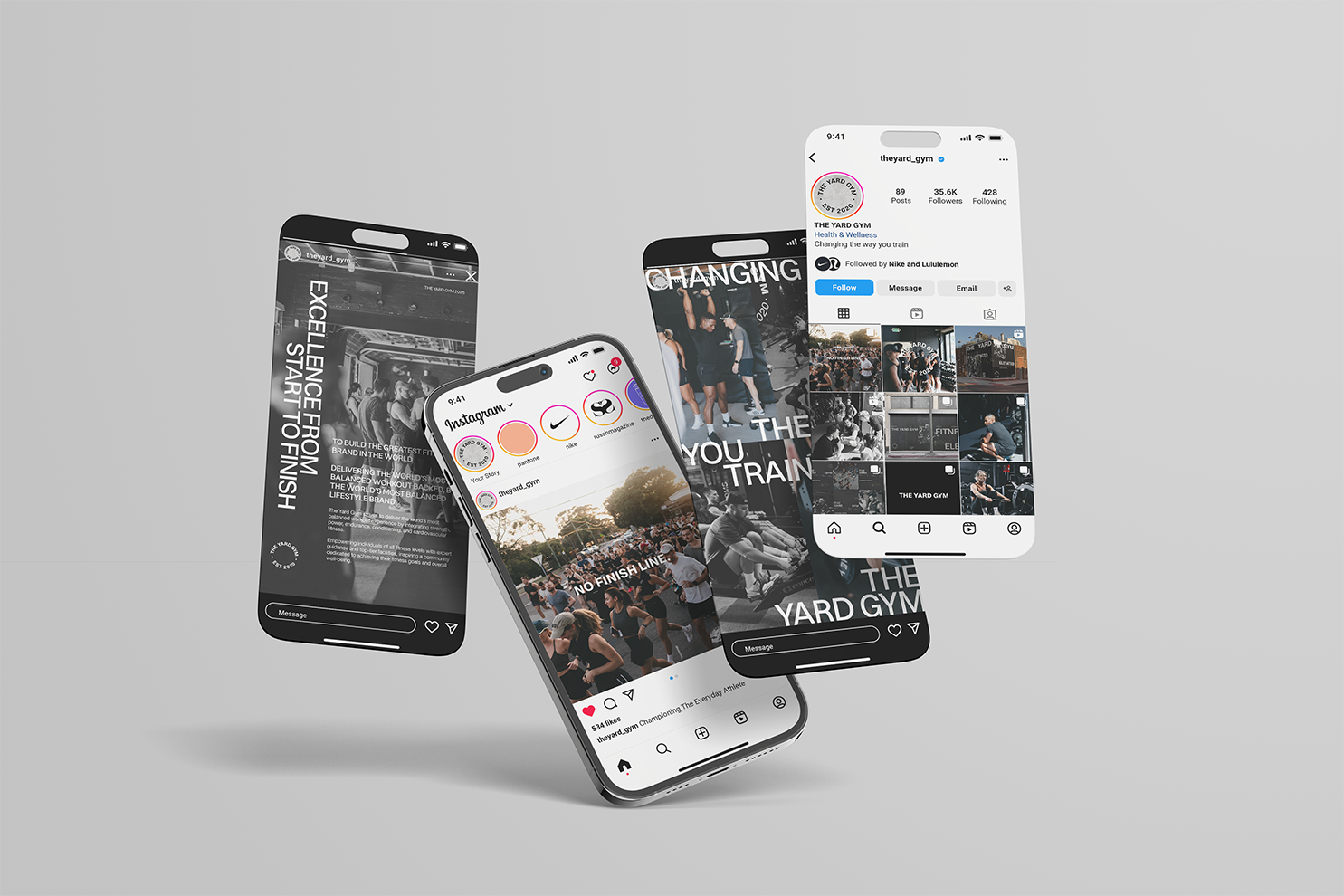
The TYG Social Science is our proven 4-Phase Strategy designed to launch your location on social media and build a powerful foundation for your Instagram presence from day one.
This structured approach takes you from Location Drop to Open Day, strategically using social media to gain awareness, build excitement, and establish a strong brand presence before doors open. By teasing what’s coming, engaging the local community, and showcasing The Yard Gym’s elite brand identity, we create anticipation and drive demand. The TYG Social Science immerses your audience in The Yard Gym vision—turning followers into founding members and ensuring every launch delivers impact and momentum from the start.
Your Launch Playbook
Your complete Elite Launch Playbook will be allocated to you by your Franchise Manager and is available via the links below. Please save your correct Playbook link to your notes or favourites on a desktop for easy access.
When viewing your launch plan, click each image to navigate to the folder where your assets live. Press download to save these to your device for posting. Captions can be copied & pasted.
For tutorials on walking you through best practices for content, uploading, tagging, and how to get the most out of your campaign, please check out our how-to videosHERE.
PHASE
EDUCATION & BREAKDOWN
-
Objective: Build recognition, trust, and visibility in your local community and online.
Focus: Consistent daily action following your launch schedule — activating all marketing channels (social, digital, and local guerrilla).
Key Actions:Execute your pre-populated schedule to stay on track.
Implement printed and digital marketing assets locally.
Engage with community partners and local businesses.
Post consistently using approved templates and track progress weekly.
Reminder: Consistency and visibility here lay the foundation for all future sales momentum.
-
Objective: Personalise your storytelling and grow community engagement through authentic, self-made content.
Focus: Bring your team and journey to life while driving VIP list growth.
Key Actions:Maintain strong social activity (8 stories daily, 3 grid posts weekly).
Share behind-the-scenes, team introductions, and chat-to-camera updates.
Promote all pre-open activations (Run Clubs, Site Tours, VIP Nights) 7 days in advance using Mindbody links.
Reminder: Show personality and excitement — your audience connects to you, not just the brand.
-
Objective: Create urgency and excitement leading into launch to drive strong conversions.
Focus: Personalised, high-energy content showcasing key milestones and membership offers.
Key Actions:Film chat-to-camera videos for all major updates (VIP list, membership drop, open day).
Use countdowns, polls, and tagging to amplify reach.
Continue behind-the-scenes and activation coverage to sustain hype.
Tips: Record in 4K, use natural lighting, and keep content authentic and energetic.
Watch the How-to' videos below on how to get a Mindbody booking link to use on your stories.
We suggest you post this 3-5 times within the 7 days leading up to the event for maximum exposure.
-
Objective: Convert excitement into attendance and memberships.
Focus: Maximise visibility of booking and membership links while hyping Open Day.
Key Actions:Post Open Day booking links every second day and membership links daily.
Share directive countdown graphics and personal video reminders.
Keep all Mindbody classes and activations scheduled and live.
Reminder: Your goal is full Open Day attendance and seamless transition from pre-sale to active membership.
-
Objective: The Hold Phase is a mandatory pause when your launch is delayed before or after your Memberships going Live. It replaces your standard campaign to maintain momentum, consistency, and brand alignment until a new confirmed opening date is set.
Key Actions:
Your Franchise Manage will provide guidance on exact next steps.
Post 4 stories per day using Hold Phase content (stills, graphics, videos). No grid posts.
Share behind-the-scenes updates (fit-out, equipment, signage, coach onboarding).
Respond promptly to DMs and keep your franchise manager updated on any date changes.
Tips:
Record in 4K at 30FPS; and turn off HDR.
Use Oslo/Simple filter for standard posts, Mono for black-and-white.
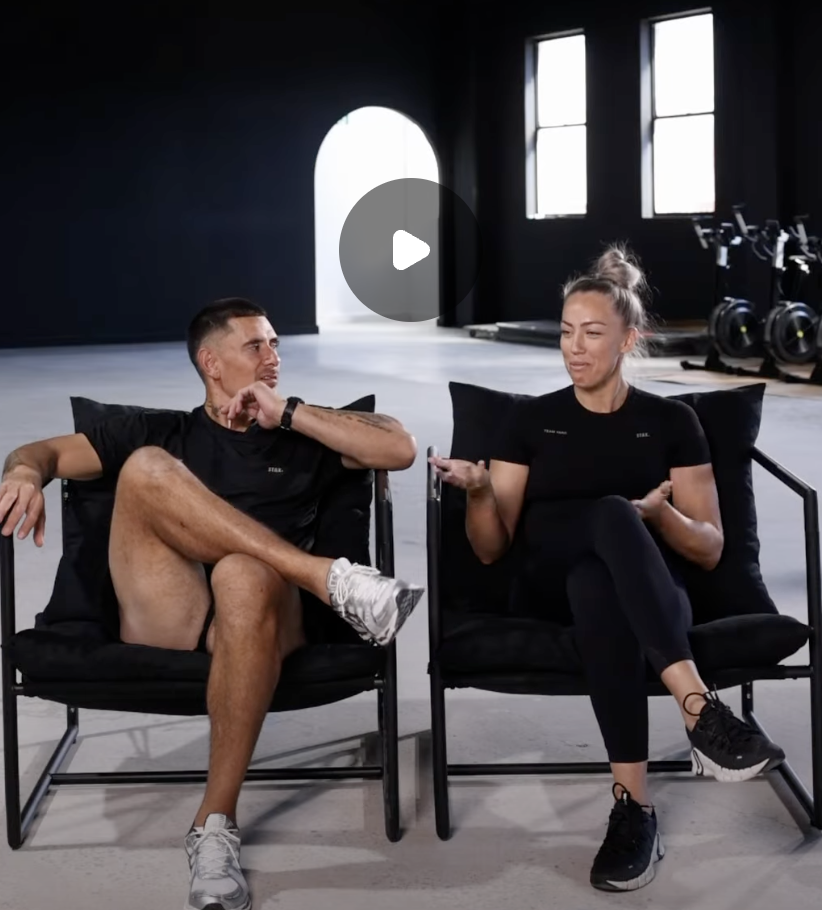
You are still required to film chat-to-camera content in well-lit spaces with a clean background or at arm’s length e.g. Coach Introductions, fit-out progress etc.
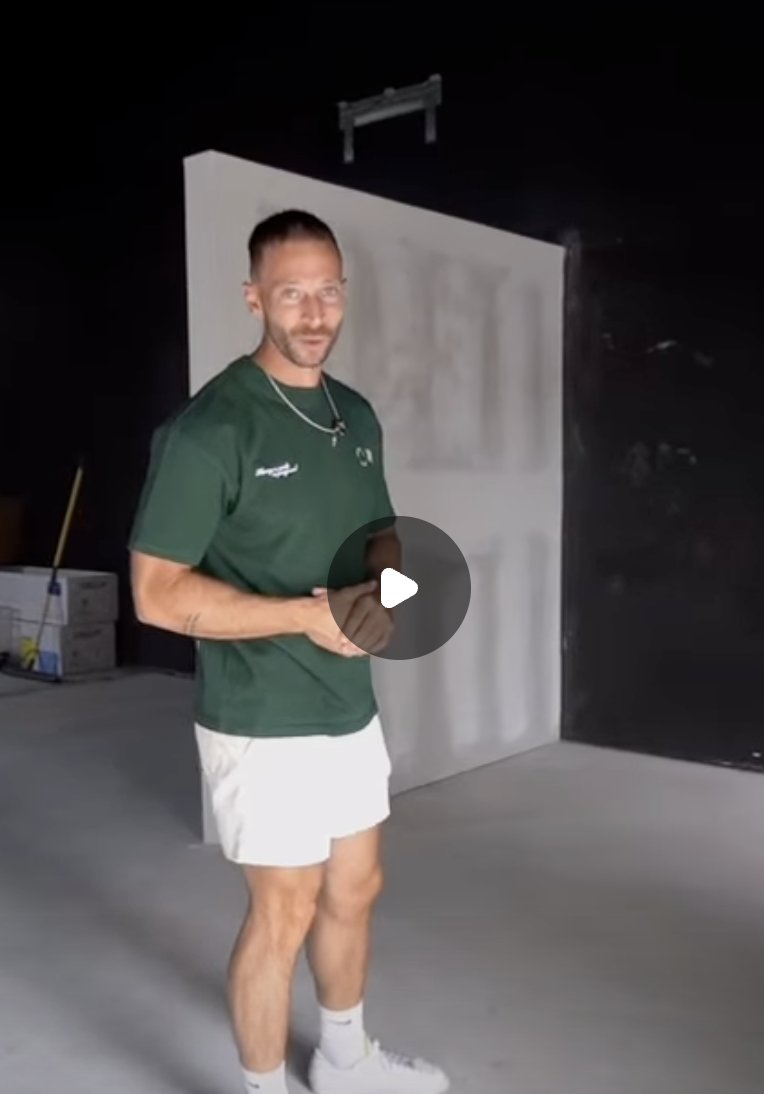
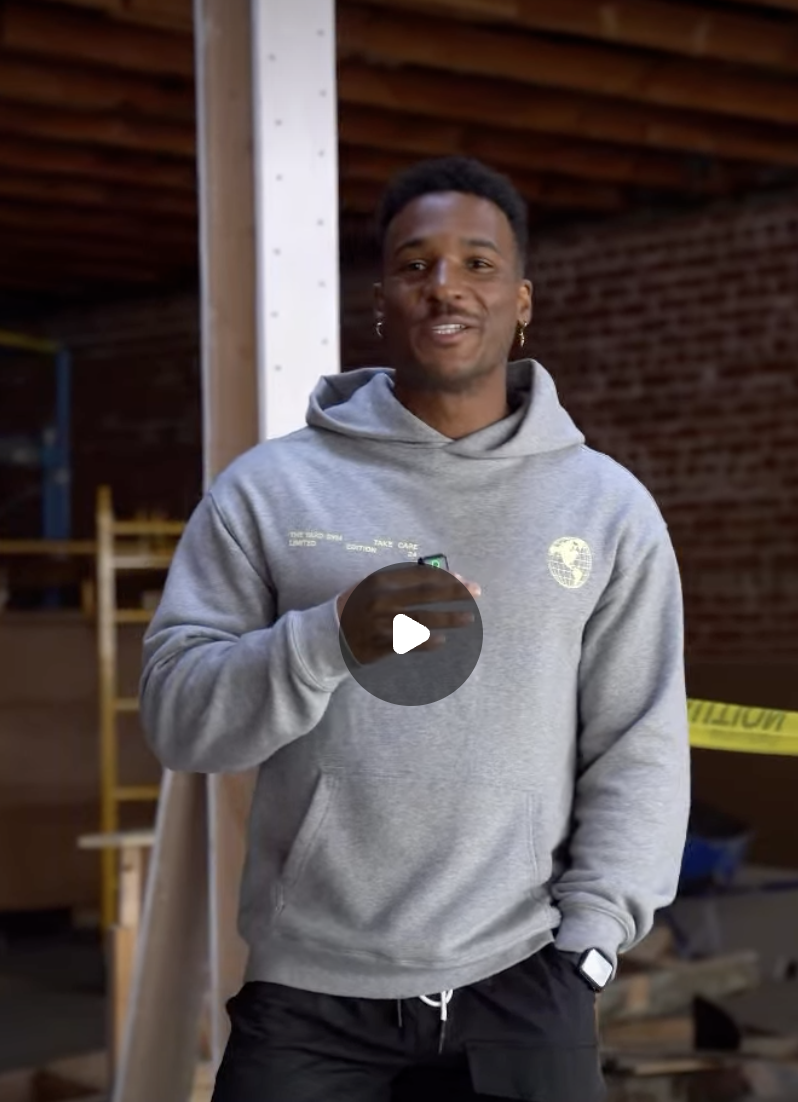
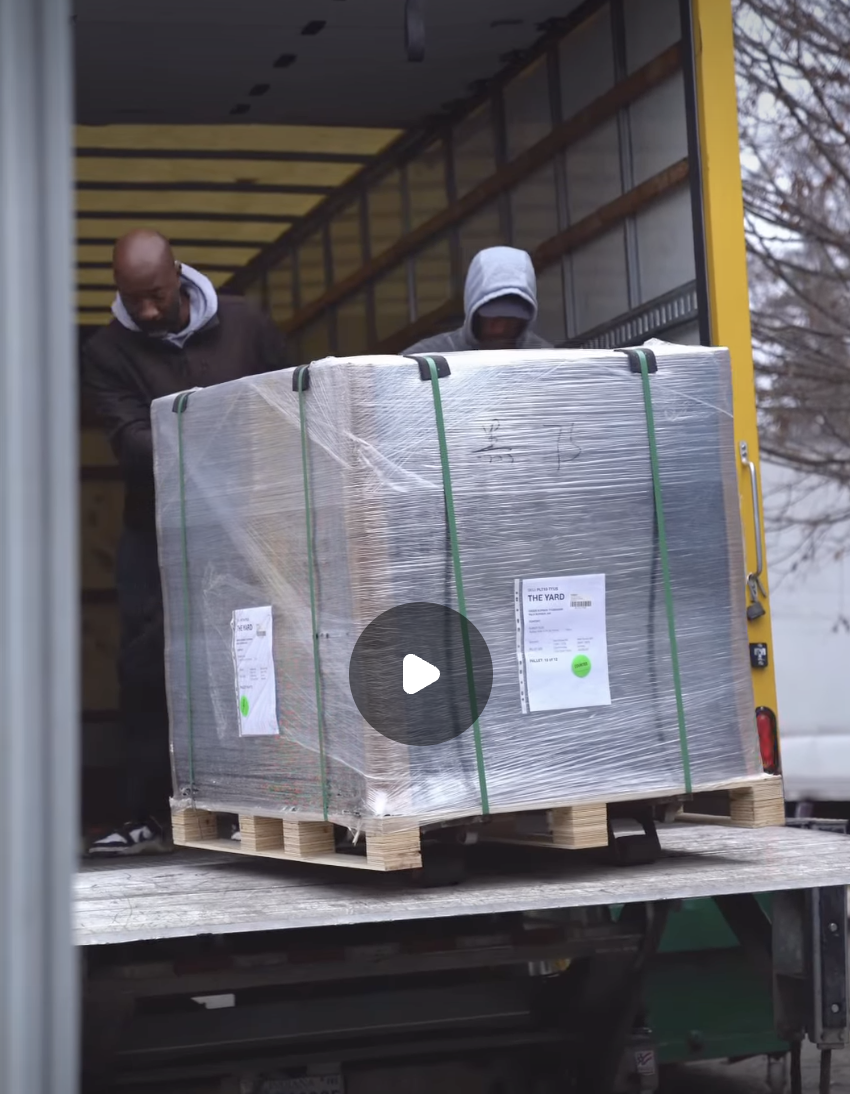
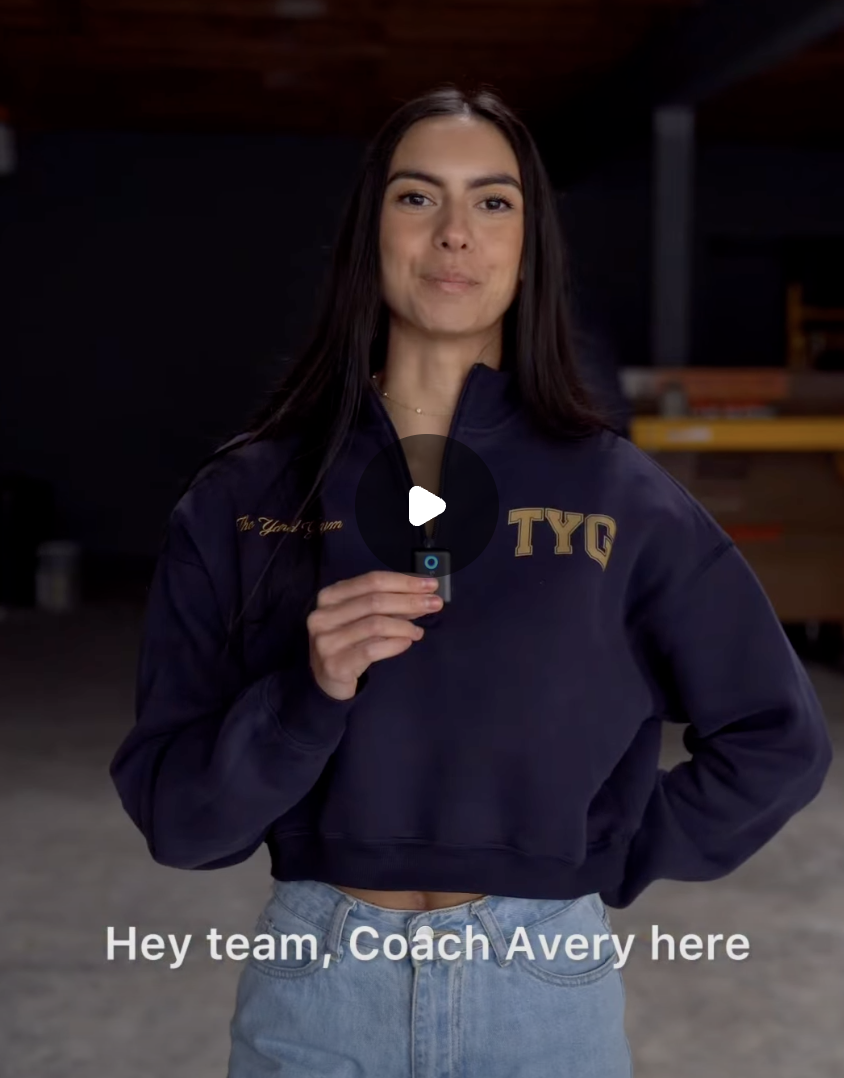
BEHIND THE SCENES EXAMPLE CONTENT
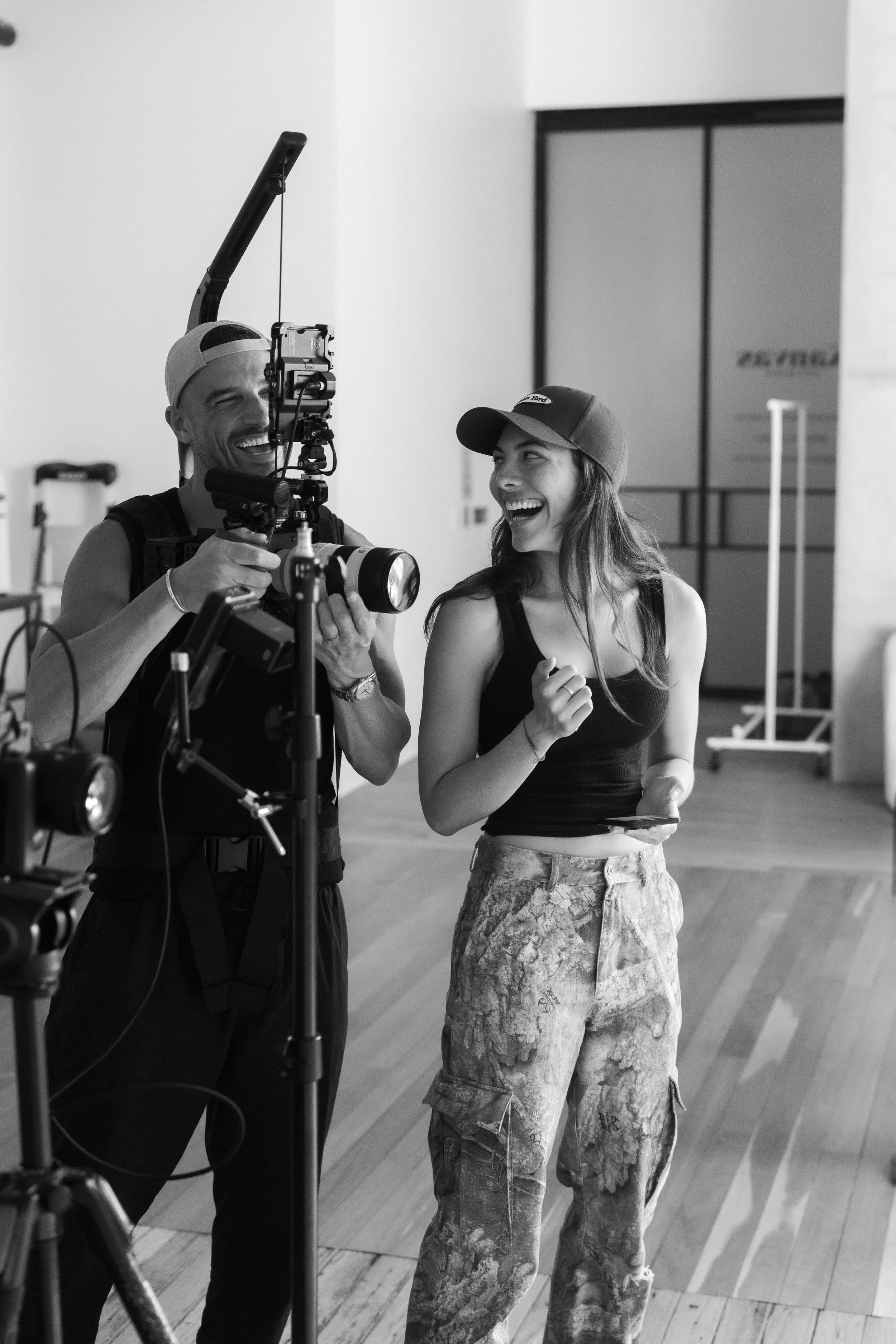
BTS content is a key part of your pre-launch campaign. Consistently capture and share your journey to build excitement and momentum leading into launch.
IMPORTANT PLEASE READ CAREFULLY
Your Instagram account may be disabled or lose access if these steps are not completed correctly. Please follow each step carefully before proceeding.
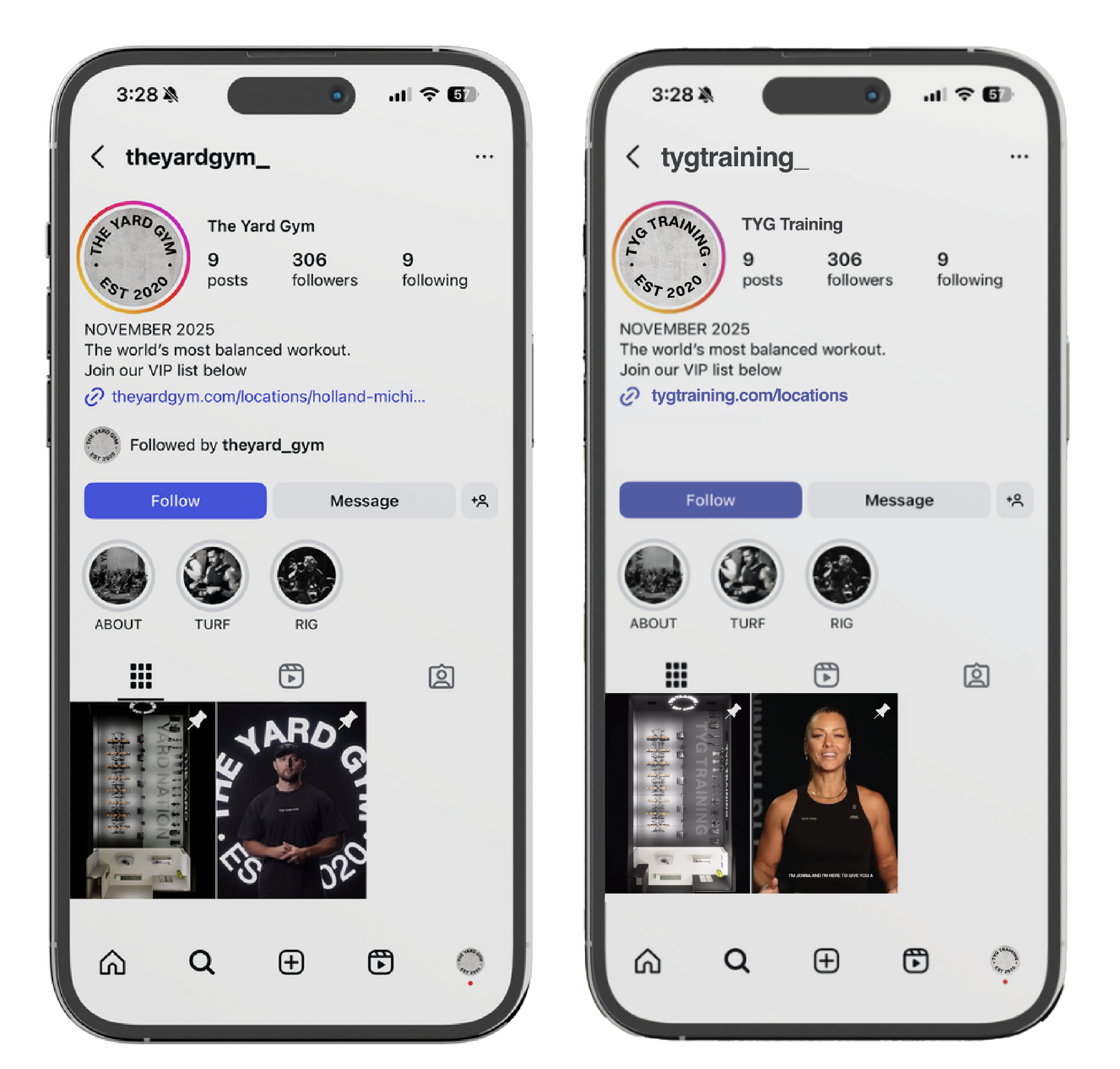
Maintaining a cohesive visual identity of The Yard Gym & TYG Training across all social accounts, including Instagram, YouTube, Facebook, Threads, Pinterest, Spotify as well as franchisee accounts is a strategic method that boosts brand recognition and cultivates a sense of familiarity among the intended audience.
STEPS ON HOW TO CREATE YOUR
INSTAGRAM.
SOCIAL
IDENTITY
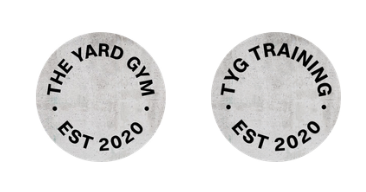
PROFILE ICON
To be used as your Instagram profile picture.
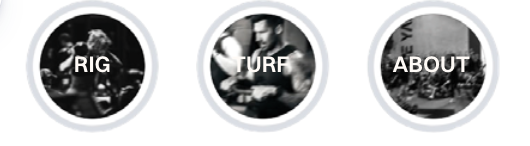
HIGHLIGHT COVERS
To be used as Instagram highlights.
PLEASE ENSURE YOU:
Do not create your Instagram account until you have completed your onboarding call with the Digital Team.
This step is critical. Instagram (Meta) has strict security measures and will often disable newly created accounts that use commonly used usernames such as
TYG, THE YARD GYM, or other branded names if they are not set up correctly.
-
Complete your onboarding call with the Digital Team.
-
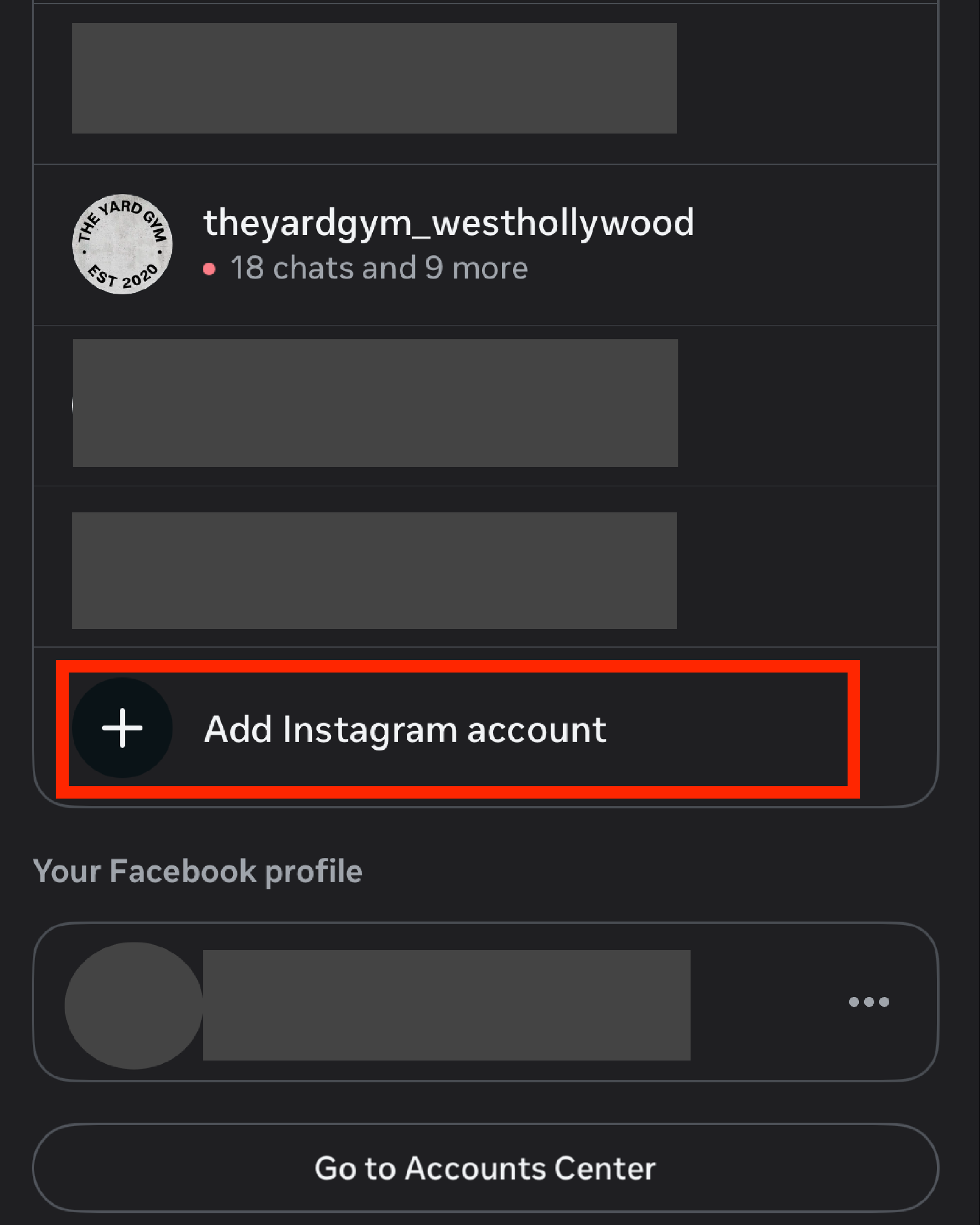
Create your Facebook Business Page and ensure it is connected to your own personal Facebook account (this is a Meta requirement
-
Once your Facebook Page is set up, create your Instagram account following the instructions provided by the Digital Team.
-
Continue with the remaining setup steps outlined in this guide below
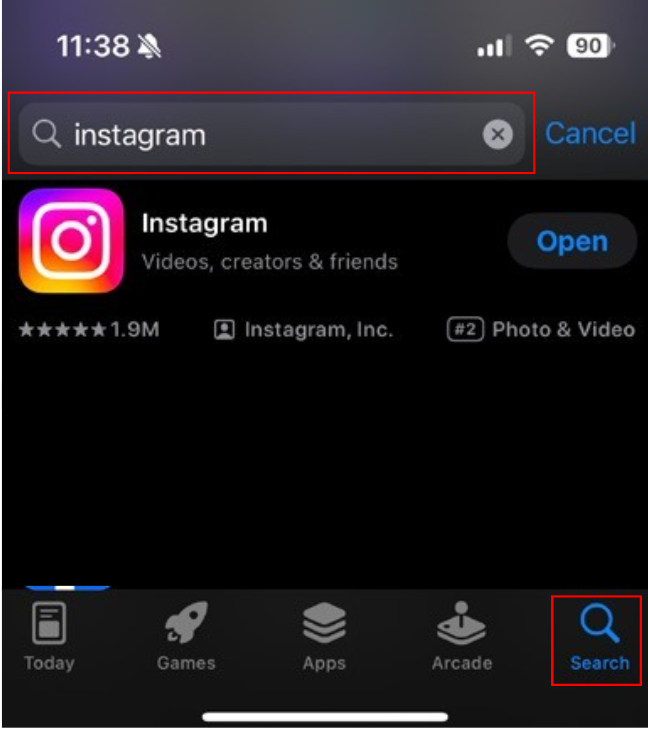
How to set up your Instagram
-
Tap "Create New Account"
Create your Username. This must be either:
theyardgym-(your location name) tygtraining- (your location name)Create a Password
Add your Phone Number or your email
Remove any suggestions, including Facebook, followers, or similar prompts.
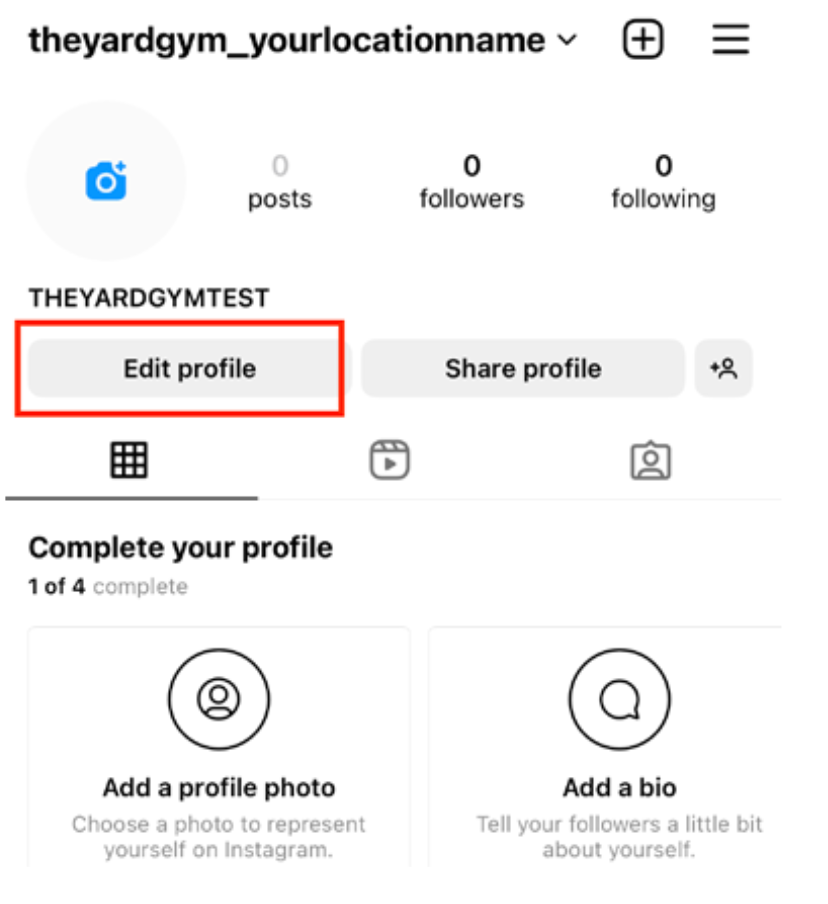
-
Tap Edit Profile to add:
Bio
Website link
3.The Yard Logo
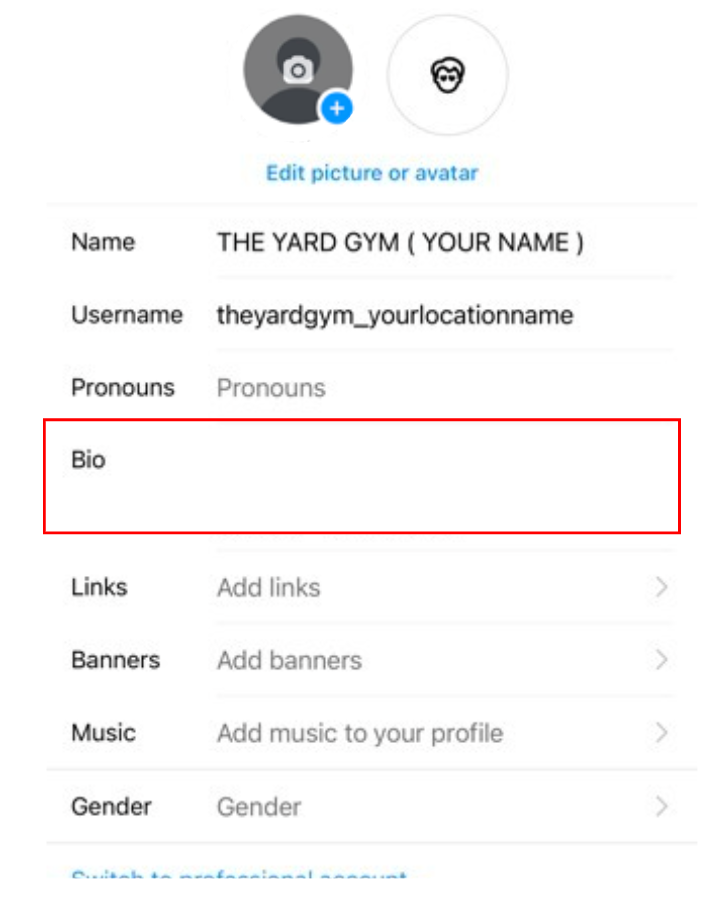
-
BIO: MONTH 2026. (Month and Year of your site being open)
The world’s most balanced workout. Join our VIP
list below
-
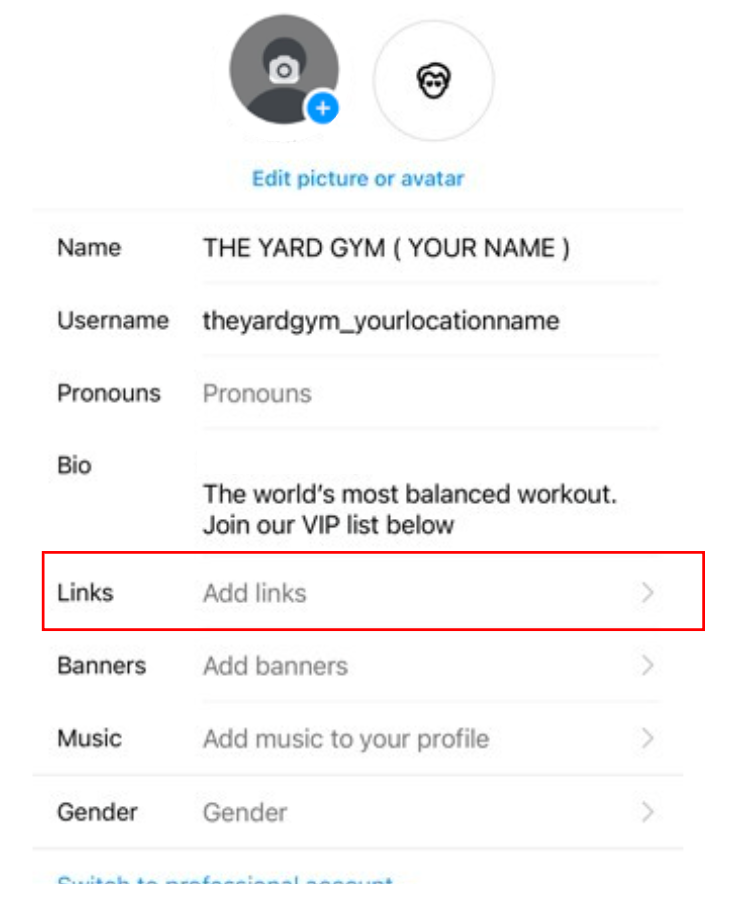
1. Tap "Add Link", then "Add external link."
2. Visit The Yard Gym or TYG Training website and copy your personal URL
3. Paste your Website URL into instagram
-
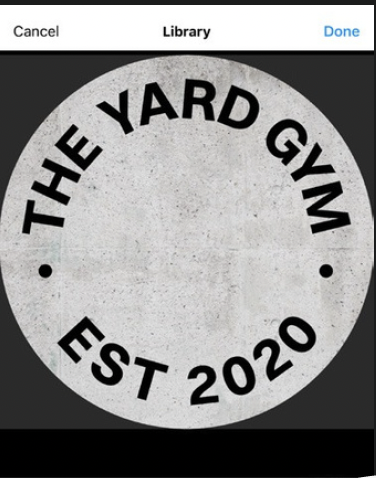
Tap "Change Profile Photo"
Then choose the Logo found in your
Google Drive
PLEASE NOTE: These steps may vary slightly as Instagram updates its app regularly.
STEP 7
SET UP INSTAGRAM HIGHLIGHTS

To ensure a smooth and on brand launch, all accounts must have three Instagram highlights live at least 72 hours before their location drop.

To create Highlights, you will first need to manually upload Instagram Stories from the aligned pre launch folder provided to you. Once these stories are live, you can then add them into your Highlights and proceed with the highlight created.
-
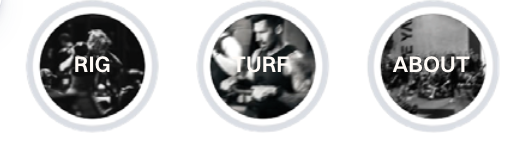
*RIG *TURF *ABOUT
Since this is a brand new account, you will not have any past stories available in your archive.
This is where the posting of Instagram Stories will begin.
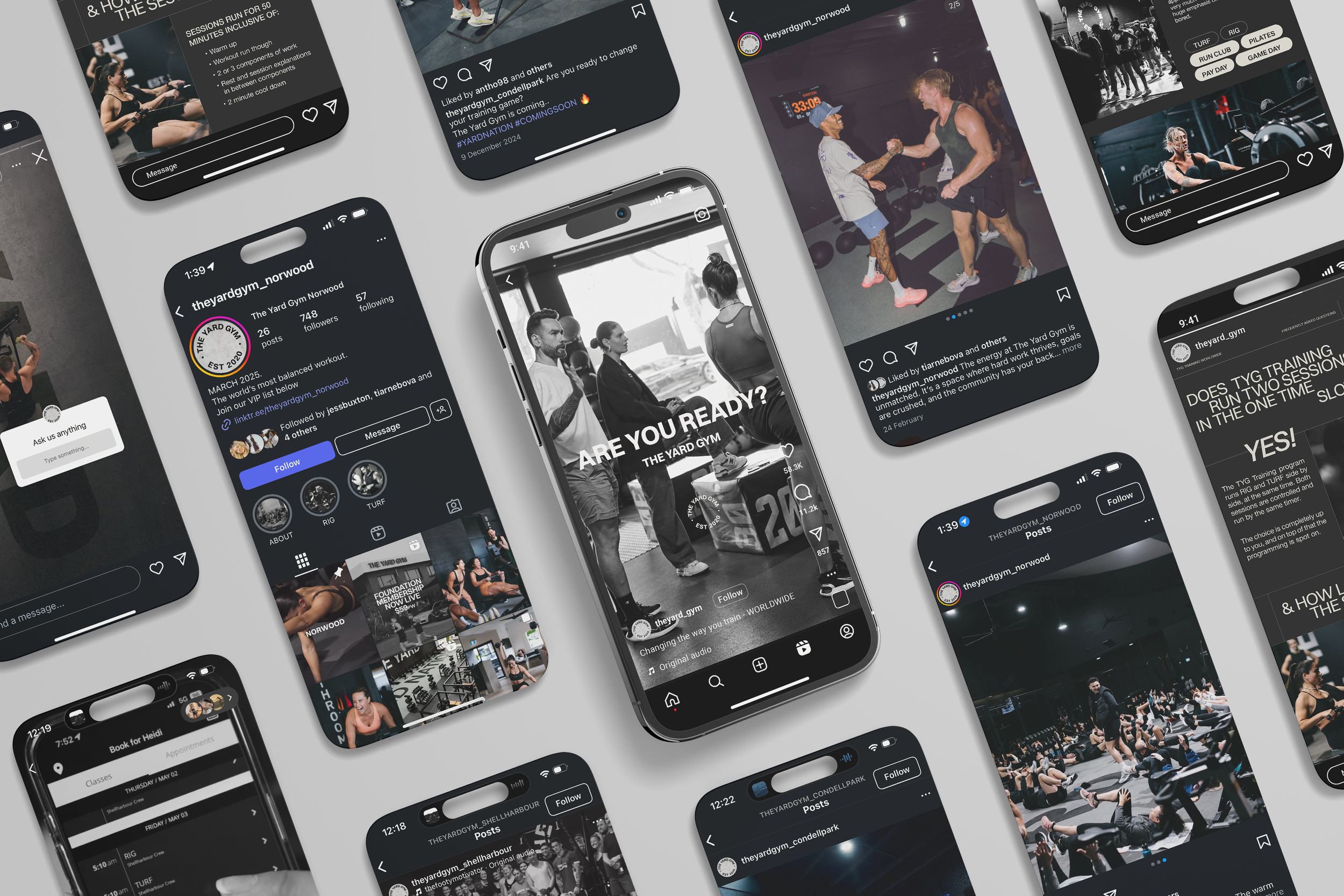
EXAMPLE OF HOW YOUR INSTAGRAM HIGHLIGHTS SHOULD LOOK
-
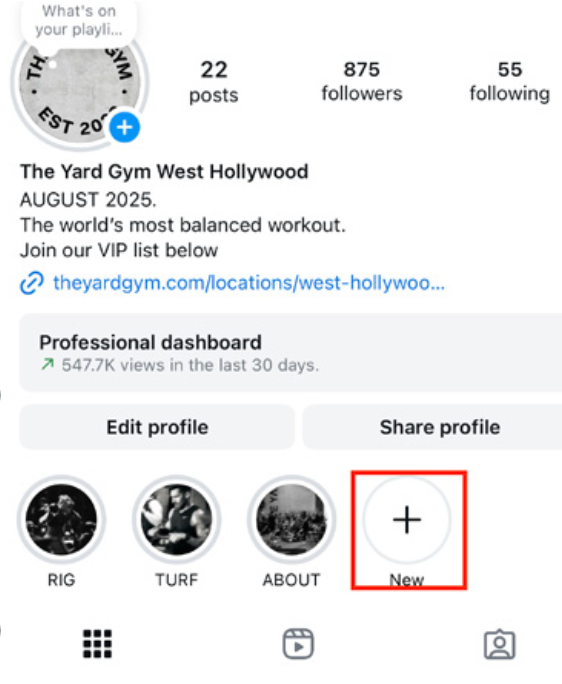
1.Go to your Instagram profile
2.Tap the “+” under your bio to create a new highlight
3.Select the stories that belong to one of the categories: RIG, TURF, or ABOUT
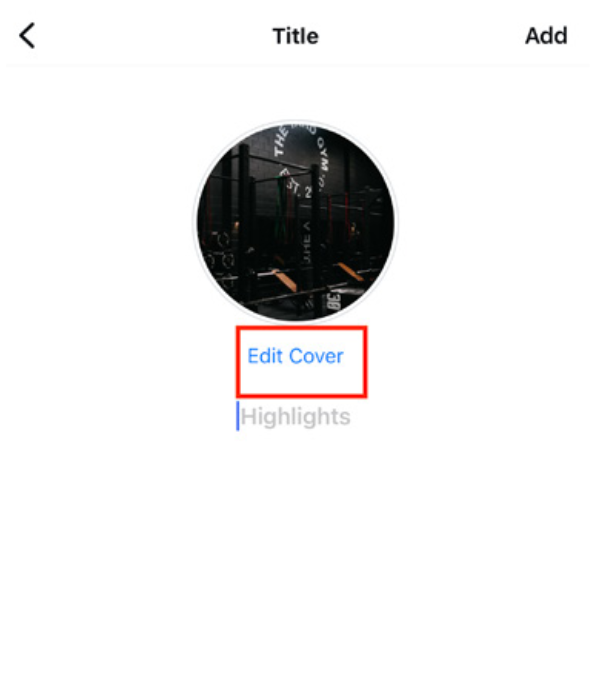
-
1.Tap “Edit Cover” and upload the matching cover from the Google Drive
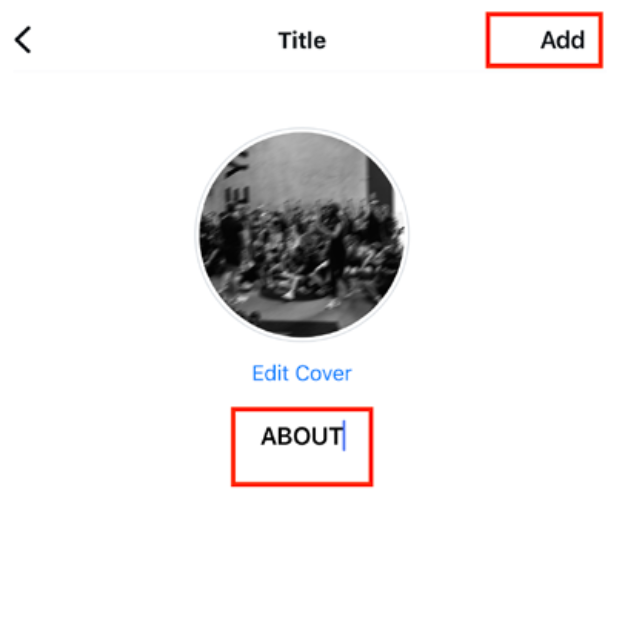
-
1. Name the highlight: RIG, TURF, or ABOUT
POST 2 GRIDS FROM YOUR PRE LAUNCH GOOGLE DRIVE.
STEP 11:
Please pin these two grid posts to the top of your Instagram profile so they remain visible throughout your entire launch period.
Your next grid post will be your Location Drop Video, which you’ll upload on Monday at 4pm (launch day). Once it’s posted, please pin this as well.
This way, once your location is live, your profile will have three pinned posts, creating a strong, professional first impression for anyone landing on your page.
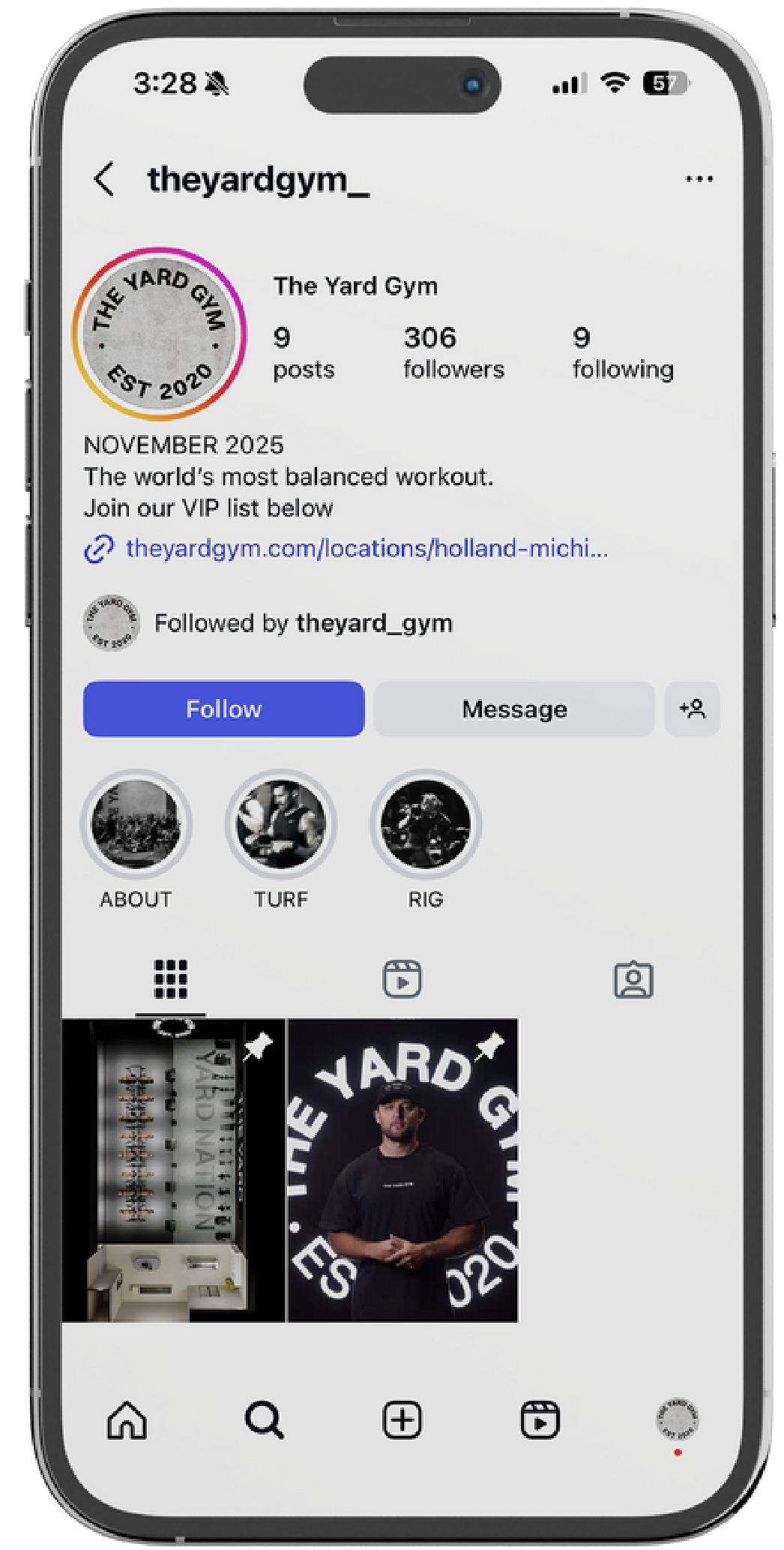
HERE’S AN EXAMPLE OF WHAT YOUR THE YARD GYM INSTAGRAM WILL LOOK LIKE ONCE THE SETUP IS COMPLETE.
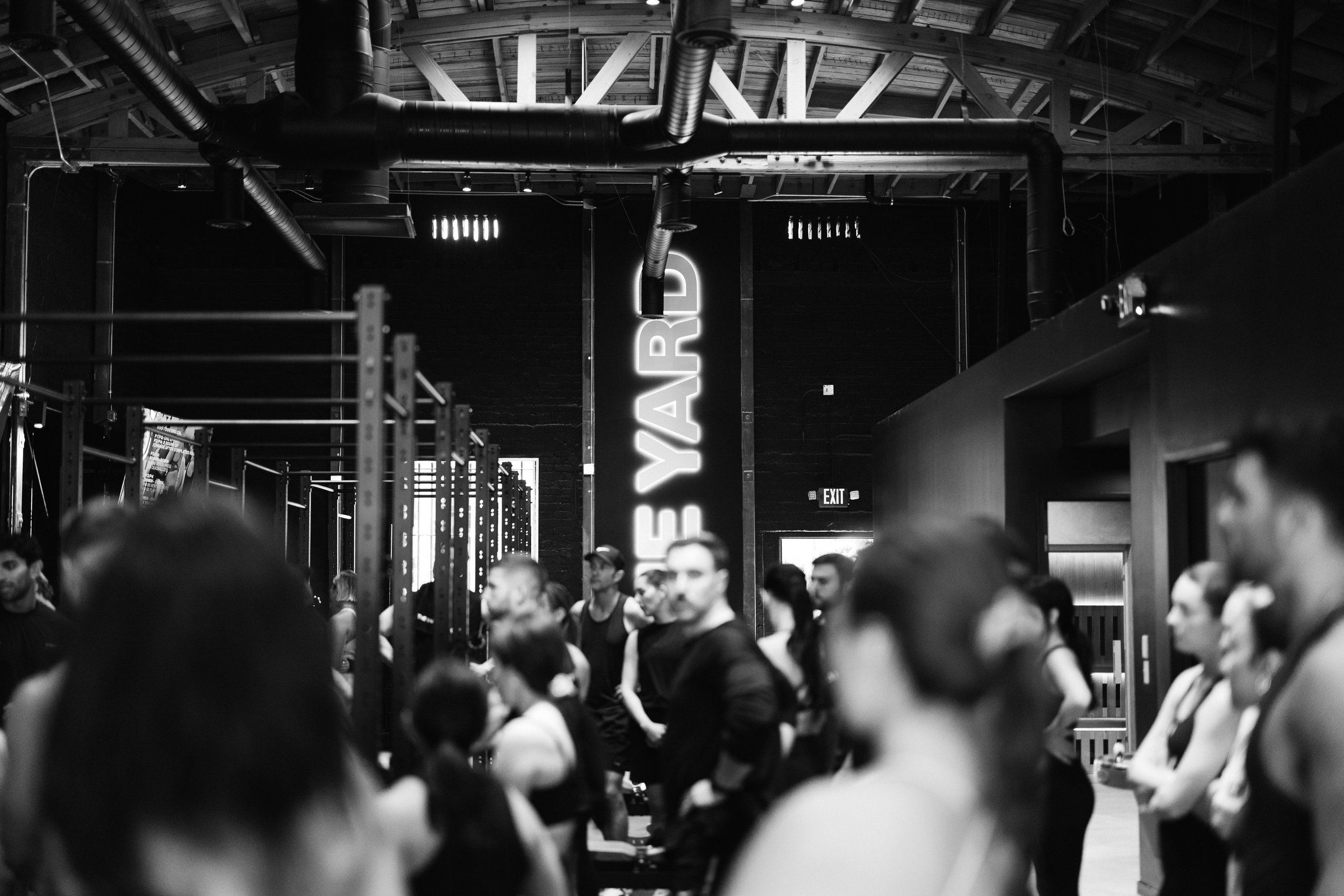
THE YARD GYM
-
CAPTION 1:
What is RIG & TURF at The Yard Gym?
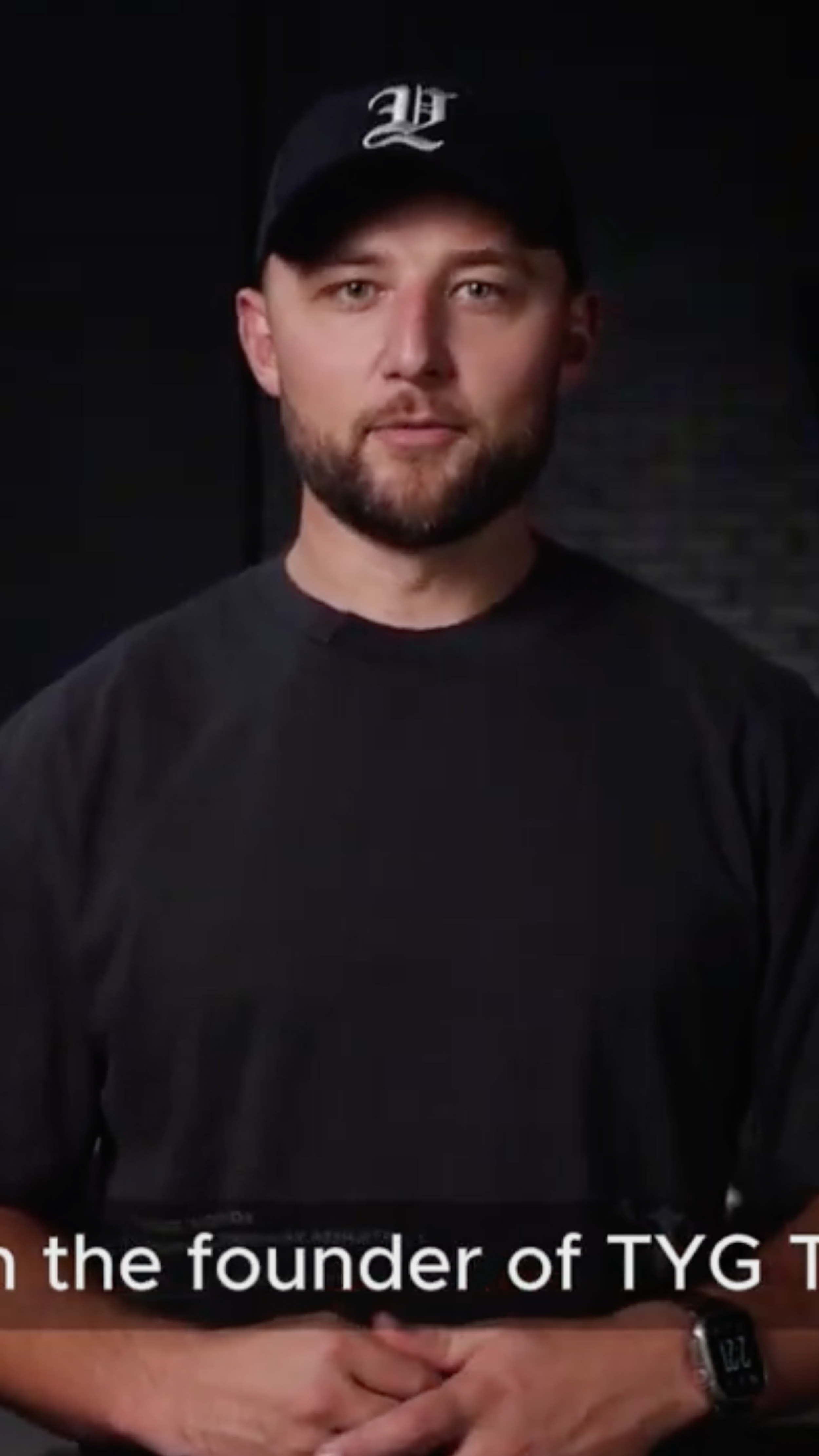
Featuring Founder @Danbova, we break down what makes RIG & TURF.
Stay tuned to see how this unique training approach sets a new standard in strength and conditioning. #TYG #TrainWithPurpose
-
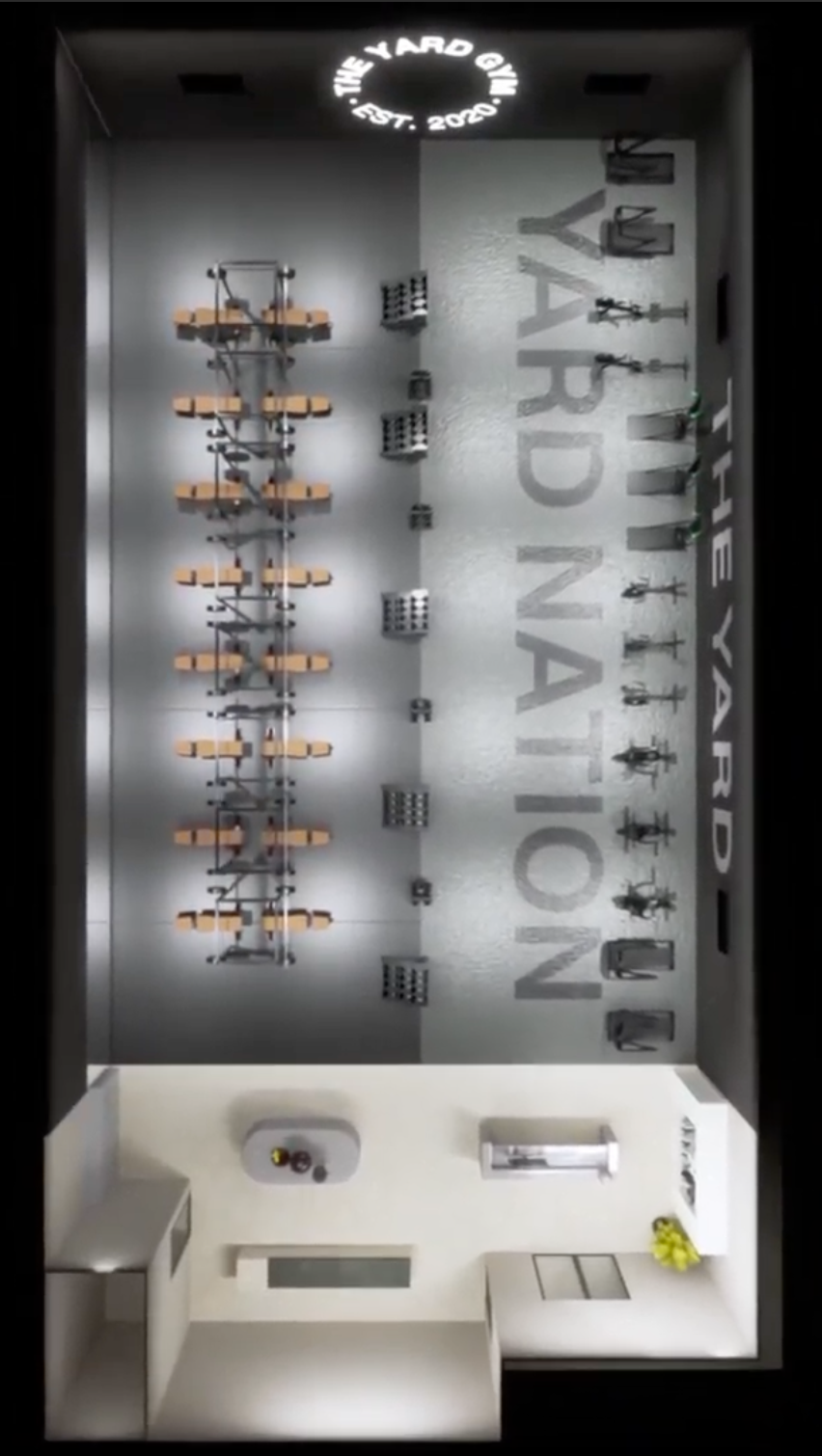
PLEASE FIND THE COVER ATTACHED IN THE GOOGLE DRIVE.
CAPTION 2:
DUAL ZONE Training: Your Workout, Your Way.
At The Yard, we meet you where you are in your fitness journey. Whether
it's strength, endurance, or balance, we scale it to your level. Move with
confidence, progress at your own pace, and see the results in your everyday life.
Ready to start? Or already here and need that extra push?
We’ve got you.
TYG TRAINING
-
CAPTION 1:
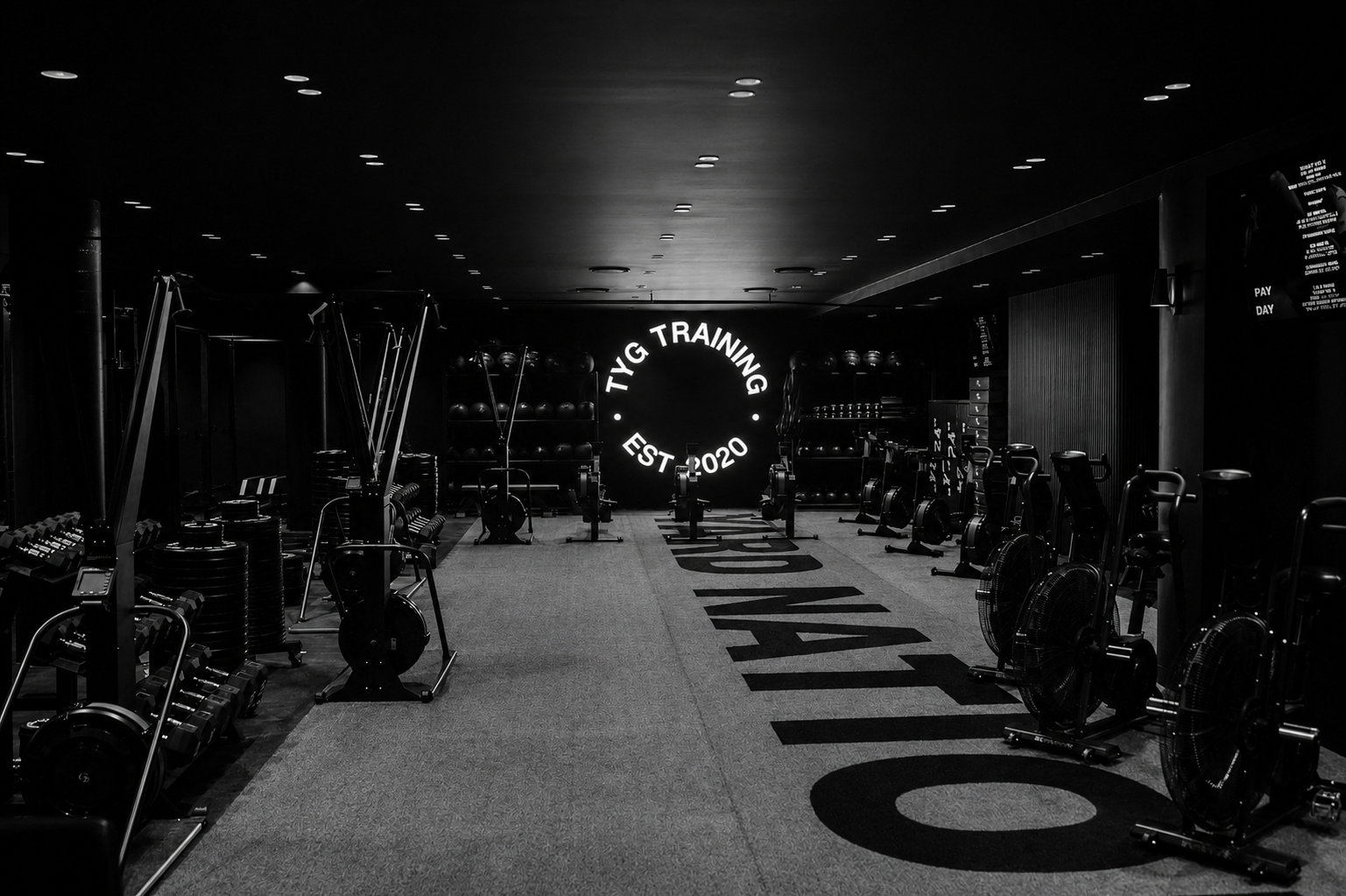
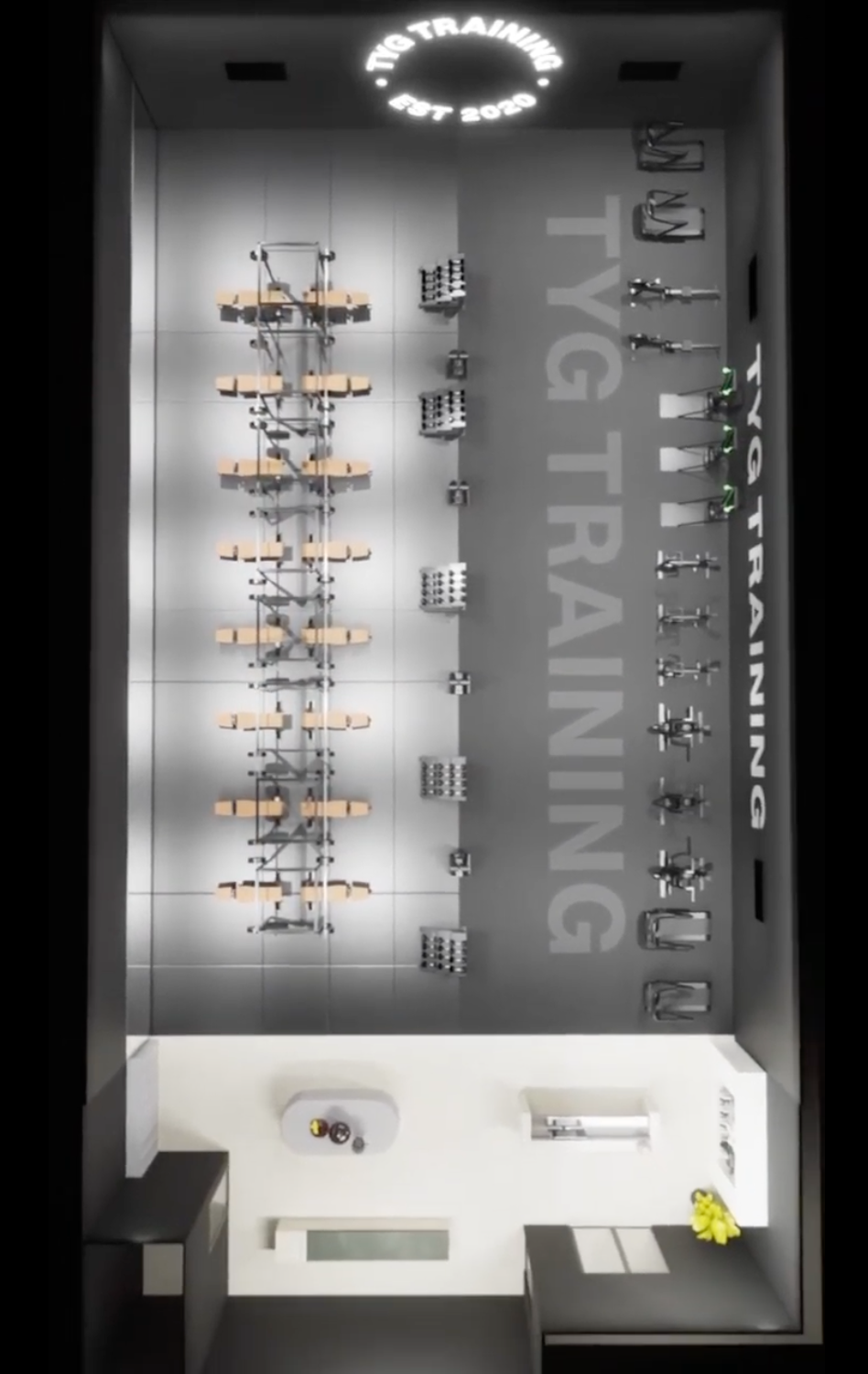
What is RIG & TURF at TYG Training?
We break down what makes RIG & TURF.
Stay tuned to see how this unique training approach sets a new standard in strength and conditioning.#TYG #TrainWithPurpose
-
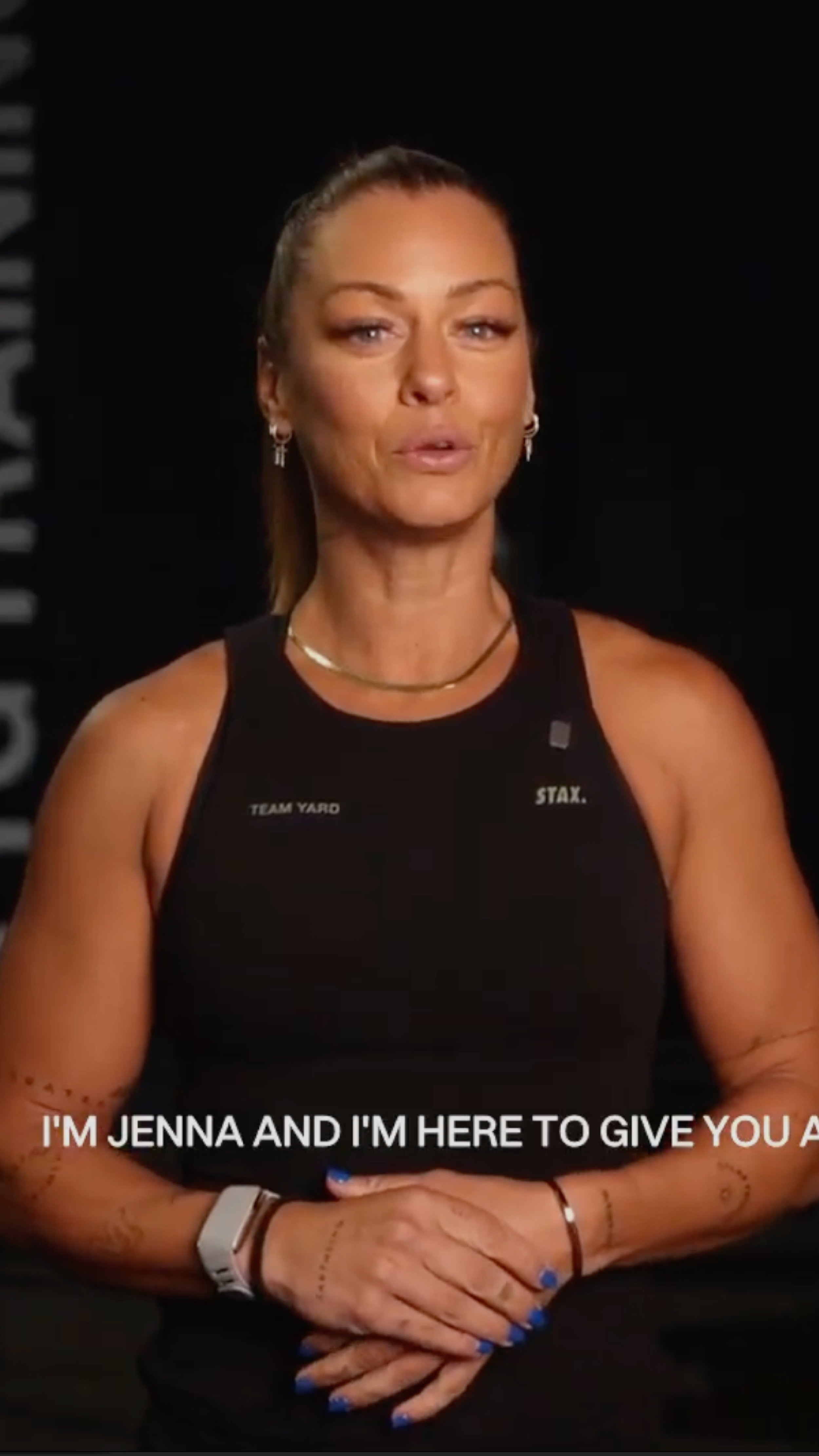
PLEASE FIND THE COVER ATTACHED IN THE GOOGLE DRIVE.
CAPTION 2:
DUAL ZONE Training: Your Workout, Your Way.
At TYG Training, we meet you where you are in your fitness journey. Whether it's strength, endurance, or balance, we scale it to your level.
Move with confidence, progress at your own pace, and see the results in your everyday life.
Ready to start? Or already here and need that extra push?
We’ve got you.
Day of your location drop
TO BE COMPLETED AT 3PM LOCAL TIME ON THE DAY OF YOUR LOCATION DROP.
At 3PM local time, please complete the following steps to ensure your Instagram account is set up correctly and transferred into a Creator Account.
This is a crucial part of your Location Drop preparation and must be completed while your Instagram page is set to public (it cannot be completed if the page is private).
-
Log into your Yard location Instagram account.
Navigate to Settings.
Go to Account Privacy and switch your profile to Public.
Return to Settings, then go to Account Type & Tools.
Tap Switch to Professional Account.
Tap Next through the initial prompts.
When prompted about display settings, ensure Display on Profile is turned OFF.
Under Search Categories, select ‘Gym/Physical Fitness Centre’, then proceed.
Choose Creator as your account type
Once complete, your account is ready!
LOCATION DROP
TO BE COMPLETED AT 3PM LOCAL TIME ON THE DAY OF YOUR LOCATION DROP.
At 3PM local time, please complete the following steps to ensure your Instagram account is set up correctly and transferred into a Creator Account.
This is a crucial part of your Location Drop preparation and must be completed while your Instagram page is set to public (it cannot be completed if the page is private).
-
At 4:00 PM local time, you must complete the following steps. All content must be live and completed by 4:15 PM sharp. No delays.
-
Upload your Location Drop Video to your Instagram feed.
Pin the video to your profile.
Ensure the cover image clearly displays your location name so it appears cleanly on your grid.
-
Immediately post your Location Drop Video to your Instagram Story.
Follow this with your 8 scheduled Instagram Stories, in the correct order.m description


Social media is where your TYG comes alive.
Be consistent, be intentional and lead with the Yard standard.
Go create content that turns heads and builds a community.
FAQs
-
You must upload a minimum of 8 stories per day from Monday to Friday, and at least 5 stories per day on Saturday and Sunday.
You can add additional content if it has been approved by HQ. This typically applies during the build phase and only if the content is high quality and professional.
Your total number of stories must not exceed 10 per day.
-
We recommend splitting your posts between the morning and evening - 4 in the AM and 4 in the PM. This helps maximize visibility and engagement.
That said, if it works better for you, you’re also welcome to post all 8 pieces at once.
-
If you see the word “example” on any image or video, it means you must replace it with your own content.
Do not upload the example content. It’s just a placeholder to show you what type of content you need to create or upload like:Chat-to-camera clips
Your gym/location-specific footage
Behind-the-scenes content
Or question box responses
-
Extra Weeks are all about keeping momentum. Use our Portal content in the section called The Yard Creative hub. You’ll find all approved assets in the folders, you will have a minimum of 4 stories a day until you're ready to roll back into our campaign timeline. Rotate between hype videos, personal updates, testimonials, professional images and graphic content.
-
Yes, and we highly recommend it. You’ll find personalised content for your site in a dedicated Google Drive folder.
This includes location specific call out graphics and your personalised location drop video.
Feel free to use this additional content throughout your launch, whenever it suits you best.
-
Absolutely, we highly recommend tagging your team, space, and local community to add authenticity and increase your engagement and reach.
Make sure to tag @theyard_gym and your location handle in all posts so we can support with resharing.
-
During your launch campaign, you cannot create or post your own content unless it’s TYG-approved.
The only exceptions are:
Behind-the-scenes (BTS) content (filming site walk-throughs and staff introduction content)
Chat-to-camera pieces (hyping milestone dates and staff introductions)
-
Everything you need is in the Google Drive under “Launch, Activation.” This includes branded story templates, launch graphics and rollout guidelines. You can add this to your story content as you need.
-
Absolutely. However, all content must align with our Onboarding Social Media Booklet guidelines to ensure it stays on brand.
Examples of BTS content include: Site build progress, Run Club highlights, tours of your space, equipment & chat to cameras.
-
As part of your launch, you are required to film five chat to camera videos based on our Chat to Camera PDF.
We’ve created scripts and included examples to guide you with angles and exactly how to deliver each piece to camera.
-
Your unique VIP link on the Yard Gym's website under "Locations" and your specific location.
-
Always tag your personal handle.
Tag any team members or clients featured in the content to increase engagement and reach.
If you are uploading behind the scenes content please tag @theyard_gym in any site related content or walk throughs of the space.
-
In the master social media spreadsheet where it shares your grid content and grit caption to follow.
-
Directly contact your Franchise Manager or email socials@theyardgym.com.au
-
Please immediately lodge an appeal through Instagram.
While the appeal is being processed, please create a second (backup) Instagram account. This ensures we have an active account ready to use if the original one isn’t recovered.
The backup handle should follow this format: @theyardgym__yourlocation (double underscore after theyardgym).
If Instagram is unable to restore your original account, this backup account will become the primary focus moving forward.
There are several possible reasons an account may be disabled.
When creating your second account, please ensure you:
Set it up on a different phone.
Use a different Wi-Fi connection or mobile data.
Use a new email (not previously linked to a disabled account).
Do not log in from multiple devices or locations too quickly.
Do not use a device that’s already connected to multiple Business/Creator accounts.
Do not connect any unauthorized third-party scheduling or analytics tools e.g. post scheduling apps.